
Best Social Media Scheduling Tools in 2026, Compared
Ten schedulers compared on what five channels really cost, which networks they publish to, their free plans and their AI. Prices checked against each vendor's own pricing page.
Every scheduler puts a post on Instagram at 9am. What separates them is what they charge to do it across all your accounts, which networks they reach, and how much of the work before scheduling they take off your plate. This guide compares ten of the most used tools, plus our own, on exactly those things.
Our top pick is Postpane, for small teams that want the posts made as well as scheduled: AI designs on-brand posts and carousels, and one calendar publishes them to Instagram, Facebook, LinkedIn and TikTok, with 5 channels for $19 a month and a free plan.
- Buffer: the simplest scheduler across the most networks, including X and YouTube.
- Publer: the cheapest per account.
- Hootsuite and Sprout Social: large teams that need an inbox and reports, at about $99 a user.
- Later: visual brands on Instagram, TikTok and Pinterest.
How we compared them
Most “best tools” lists rank on impressions. We compared on one scenario that most small teams recognize: five social accounts, one person running them. For each tool we looked up the cheapest plan that covers it, on the vendor's own pricing page, on October 24, 2026. We also noted the pricing model (it decides how fast the bill grows), the free plan, network coverage and what the AI actually does.
We make Postpane, so it's on this list, and we've tried to be as plain about where it falls short as we are about the others. Prices change often: check the vendor's site before you buy.
The comparison at a glance
| Tool | Best for | Free plan | 5 channels, 1 user | Pricing model | Networks |
|---|---|---|---|---|---|
| Postpane | Small teams that want AI-designed posts and scheduling in one place | 1 channel, 30 posts/mo | $19/mo ($15 yearly) | Channels bundled per plan | 4, more coming |
| Buffer | The simplest scheduler on the most networks | 3 channels | $25/mo | Per channel | 12, incl. X and YouTube |
| Hootsuite | Large teams that need inbox, listening and approvals | No | $99/mo (billed yearly) | Per user | Most, incl. X and YouTube |
| Sprout Social | Analytics and reporting with a budget for seats | No | $99/mo ($79 yearly) | Per seat | Most, incl. X and YouTube |
| Later | Visual planning for Instagram, TikTok and Pinterest | No | $18.75/mo billed yearly* | Social sets (1 profile per network) | 8, no X |
| Publer | The lowest price per account on many networks | 3 accounts | about $21/mo | Per account | 13, incl. X and YouTube |
| SocialBee | Recycling evergreen posts by category | No | $29/mo ($24 yearly) | Bundled tiers | 10, incl. X and YouTube |
| Metricool | Analytics-minded solo marketers | 1 brand, 20 posts/mo | from $25/mo ($20 yearly) | Per brand | 11; X is a paid add-on |
| Planable | Client approval workflows | 50 posts in total | $49/mo | Per workspace | 9, incl. X and YouTube |
| Agorapulse | Teams that live in the social inbox | No | $99/mo ($79 yearly) | Per user | 11, incl. X and YouTube |
| Sendible | Agencies that need unlimited seats | No | $35/mo ($29.75 yearly) | Bundled by profiles | 10, incl. X and YouTube |
Monthly billing unless noted. Prices in USD from each vendor's pricing page on October 24, 2026. *Later's five channels fit one plan only when they're on five different networks; two accounts on the same network need its Growth plan.
One user, billed monthly, cheapest plan that covers five channels. *Later's is worked out from its yearly price (25% off); Hootsuite publishes only a yearly price. Checked October 24, 2026.
The 11 tools, one by one
1. Postpane: best for small teams that want the posts made too
Postpane is a scheduler with a design studio built in. You plan on one calendar, write one post with its own caption for each network, and publish it on time, the same as any tool here. The difference is upstream: the AI designs whole posts and carousels in your brand, with captions, so a week of content can come from one sitting rather than from a separate design tool.
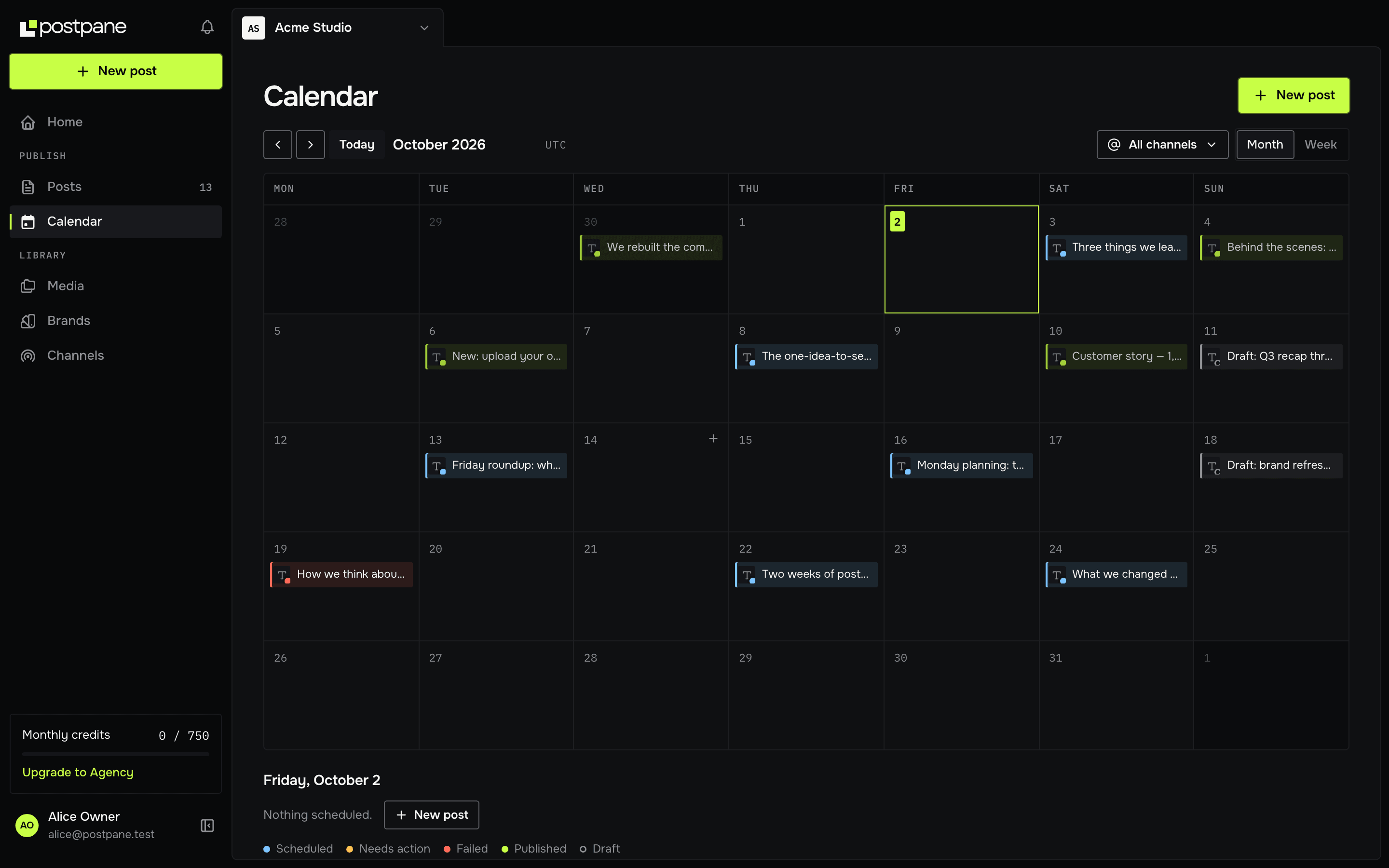
- Price
- Free, then Creator $19/mo ($15 yearly) for 5 channels, Pro $39/mo for 15 channels and 5 members
- Networks
- Instagram, Facebook, LinkedIn and TikTok
- Free plan
- 1 channel, 30 posts a month, with the calendar, analytics and comment replies
Why pick it: channels come in the plan, so adding a network doesn't add to the bill, and replying to comments and analytics are on every plan. AI design runs on monthly credits included with each plan, and scheduling never depends on it.
Where it falls short: it publishes to 4 networks today. Threads, Bluesky, YouTube, Pinterest, X, Google Business Profile, Reddit and Vimeo are coming, but if you need X or YouTube now, Buffer or Publer will serve you better.
2. Buffer: best simple scheduler across many networks
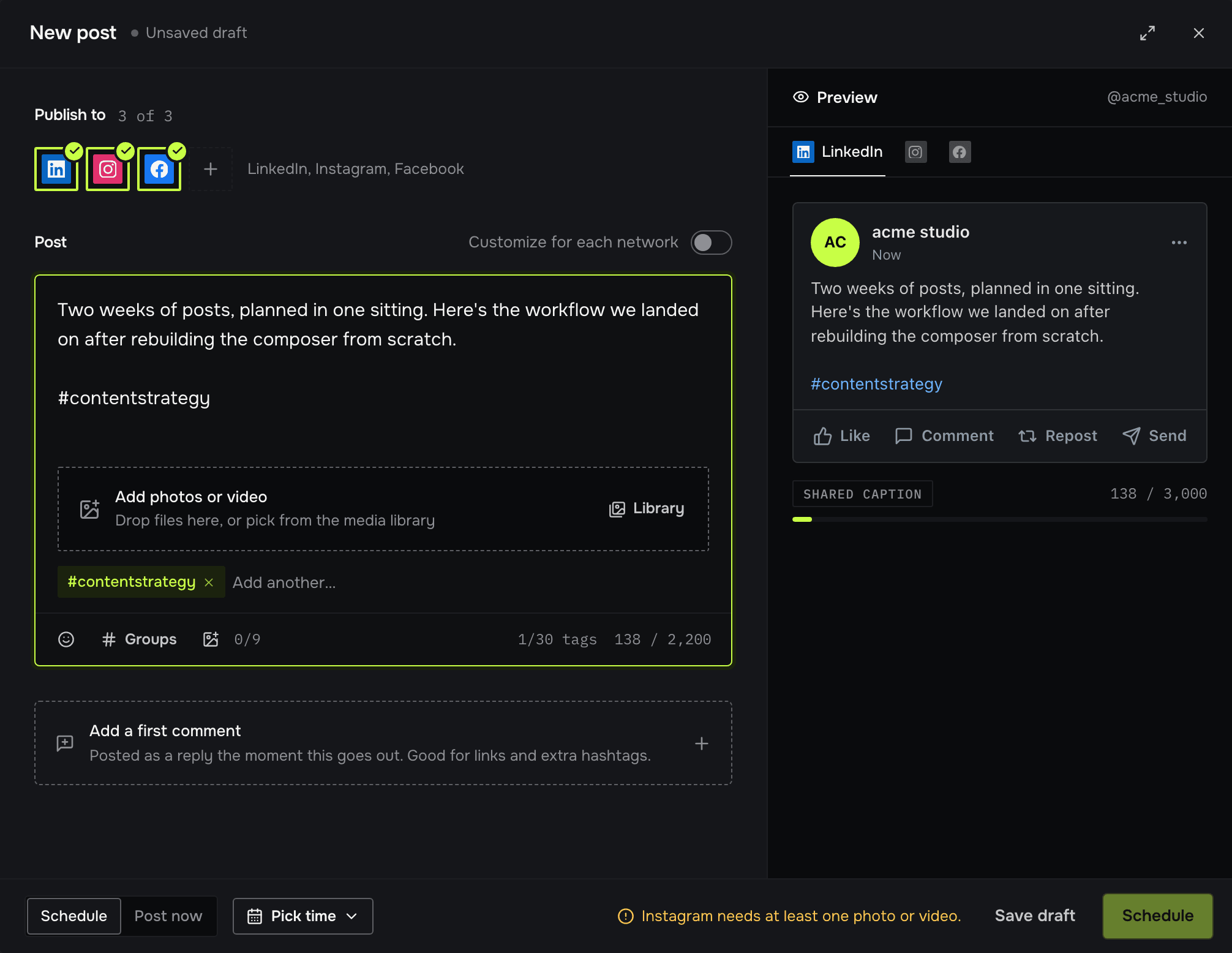
Buffer has the cleanest interface of the lot and reaches twelve networks, including X, YouTube, Threads, Bluesky and Mastodon. Its free plan covers three channels, which is the most generous free tier here.
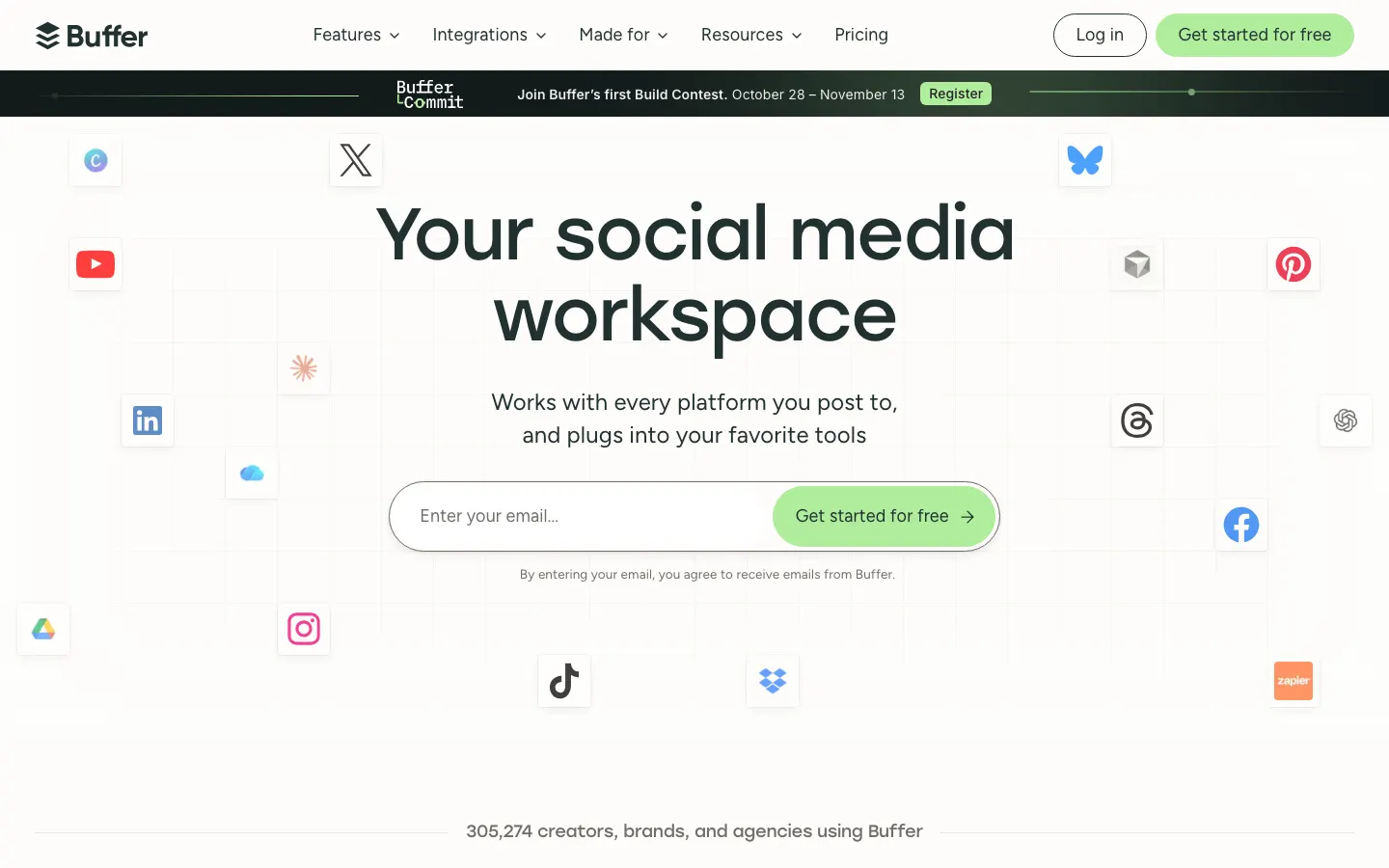
Price: Essentials is $5 a channel a month, so five channels is $25; the Team plan, with unlimited users, is $10 a channel. Watch for: the per-channel model means the bill grows with every account you add. We compare it in detail in Buffer vs Postpane.
3. Hootsuite: best for large teams
Hootsuite is the oldest name here and the broadest suite: scheduling, a social inbox, listening, approvals and an AI assistant called Wisdom on every plan. It's built for teams with several people and a manager signing off.
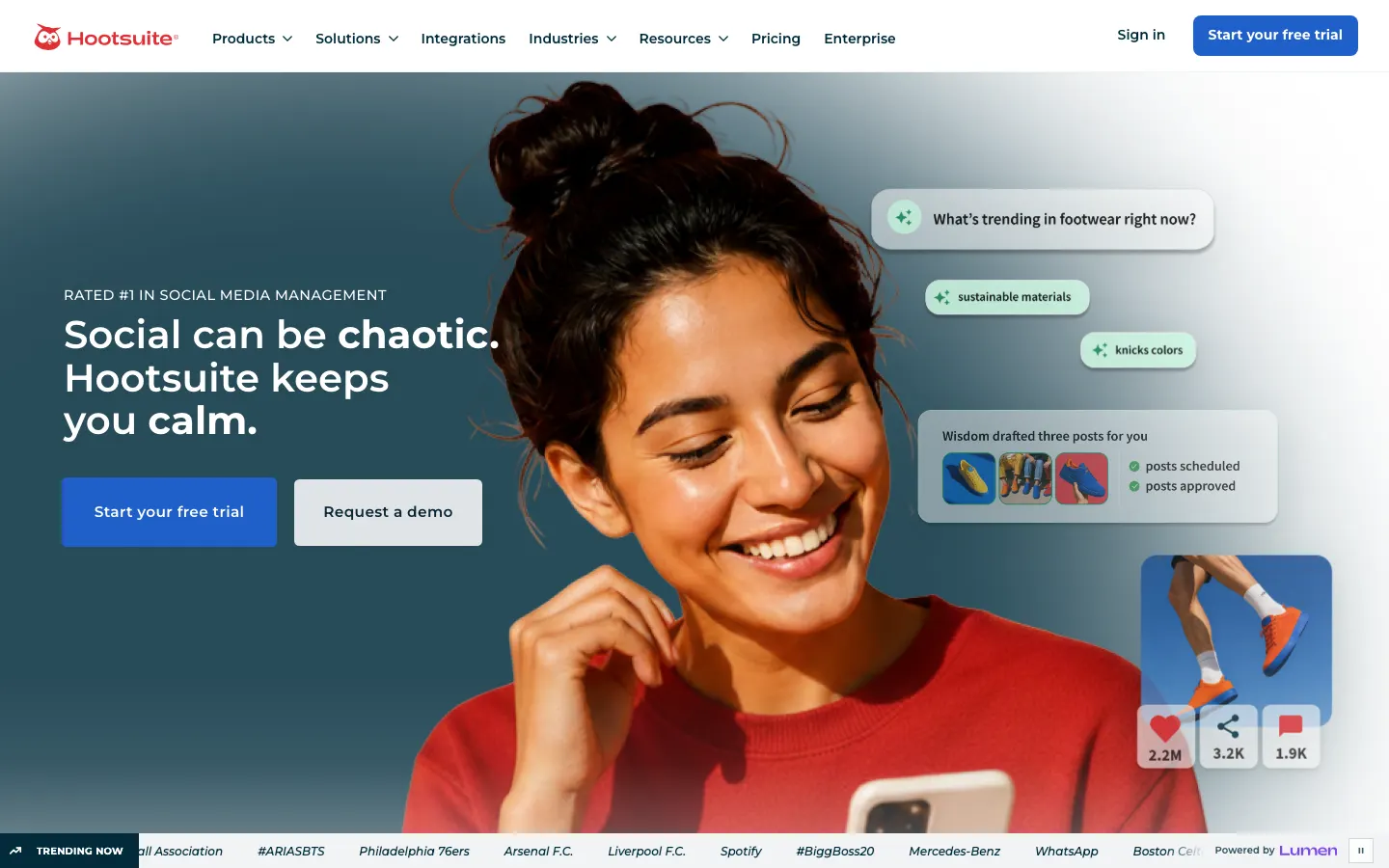
Price: Standard is $99 a user a month, billed yearly, with 10 accounts; there is no free plan, and a 14-day trial. Watch for: per-user pricing makes it expensive for one person and costly as the team grows.
4. Sprout Social: best for analytics and reporting
Sprout's reports are the most polished here, and its Trellis AI agent works across publishing and the inbox. It's a favorite of agencies and brands that present numbers to clients or leadership.
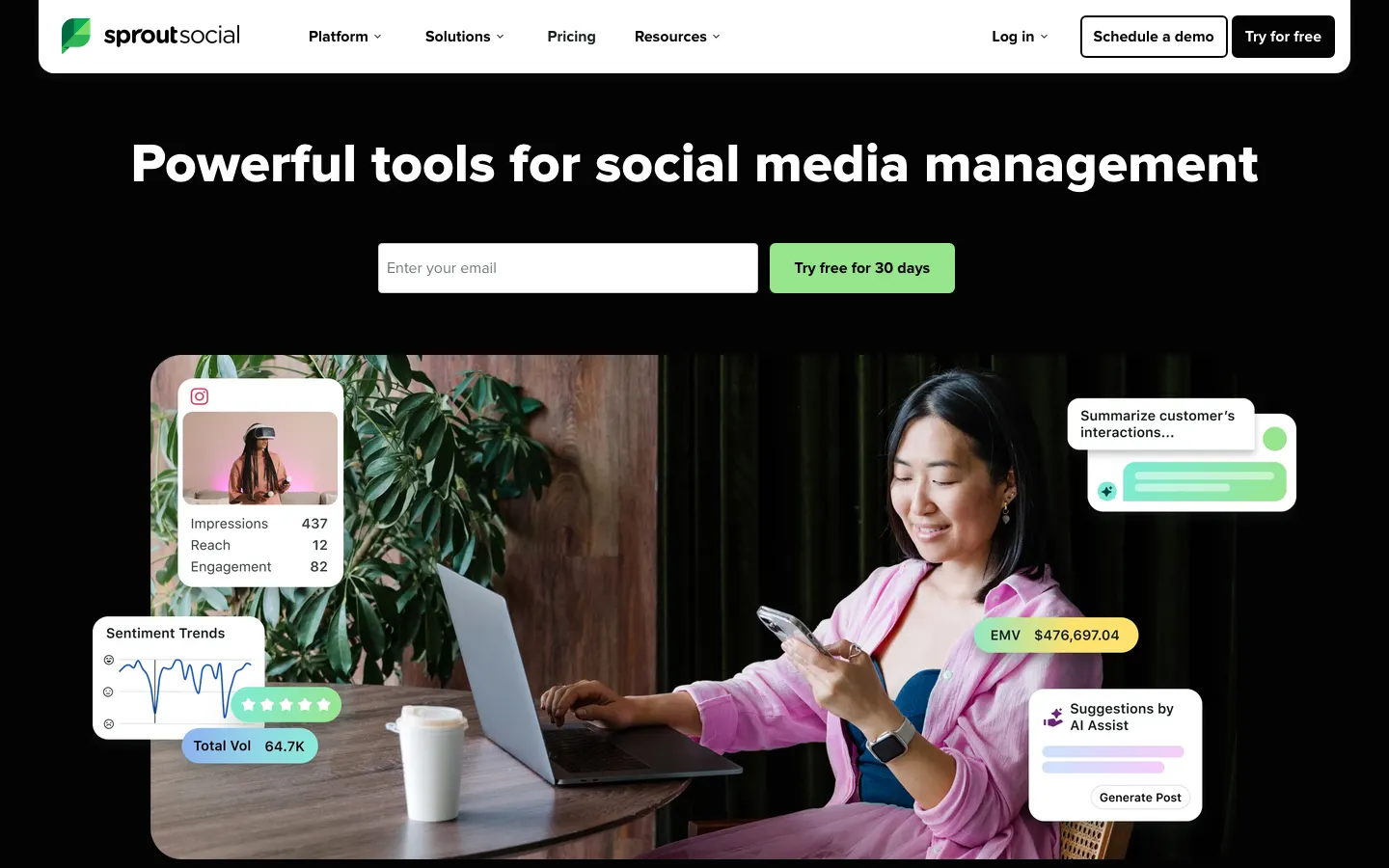
Price: Essentials is $99 a seat a month ($79 yearly) with 5 profiles; a 30-day trial, no free plan. Watch for: the seat price adds up quickly, and the deeper reports sit on the $199 to $399 tiers.
5. Later: best for visual brands
Later grew up on Instagram and it shows: a visual grid planner, link-in-bio pages and strong Pinterest and TikTok support. It sells “social sets”: one profile on each of eight networks.
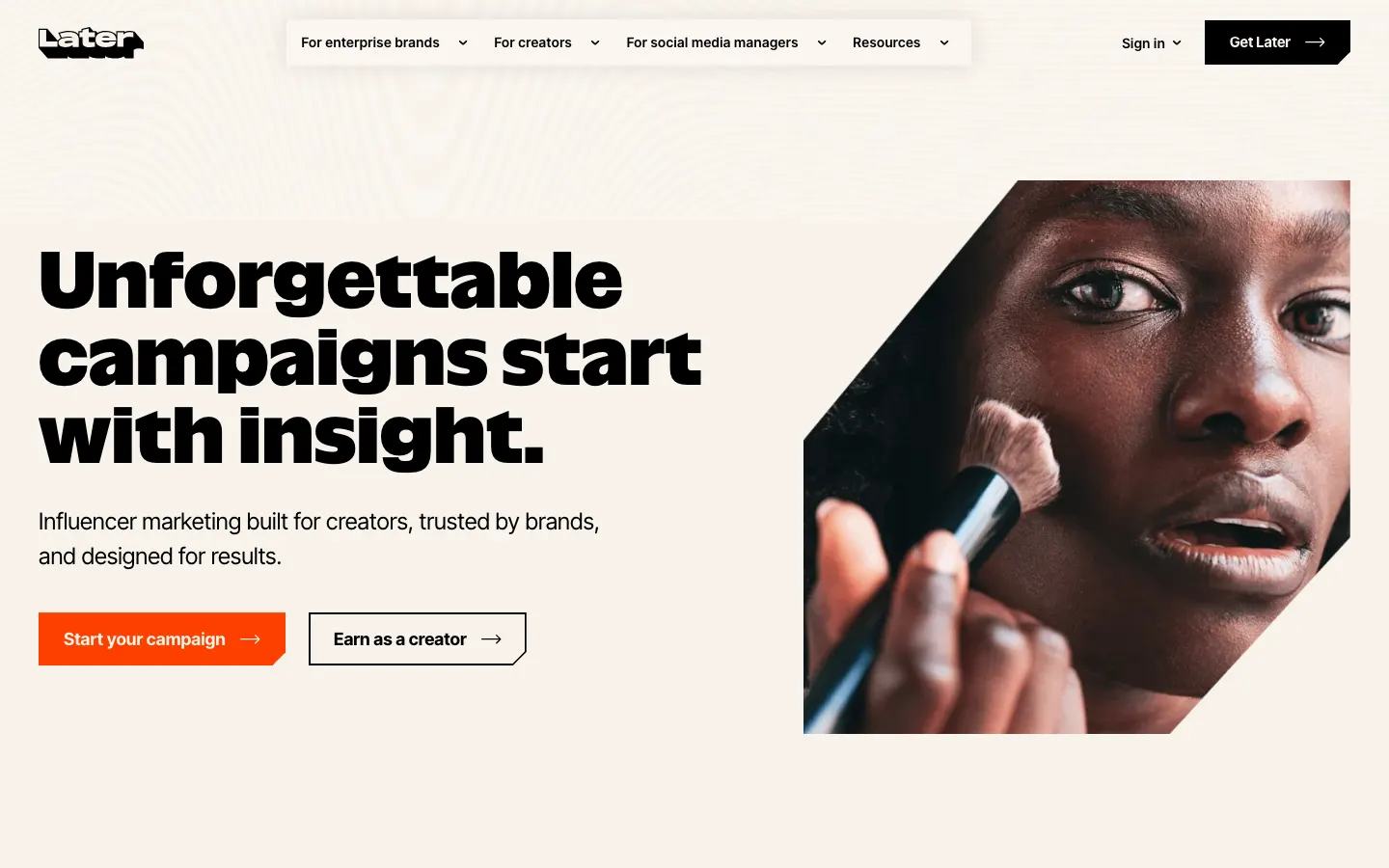
Price: Starter is $18.75 a month billed yearly, for one set, one user and 30 posts per profile. Watch for: X isn't supported, and two accounts on the same network need the Growth plan.
6. Publer: best value per account
Publer charges per account, from $5, and reaches thirteen networks including Telegram, WordPress and Google Business Profile. Its free plan has three accounts (X excluded).
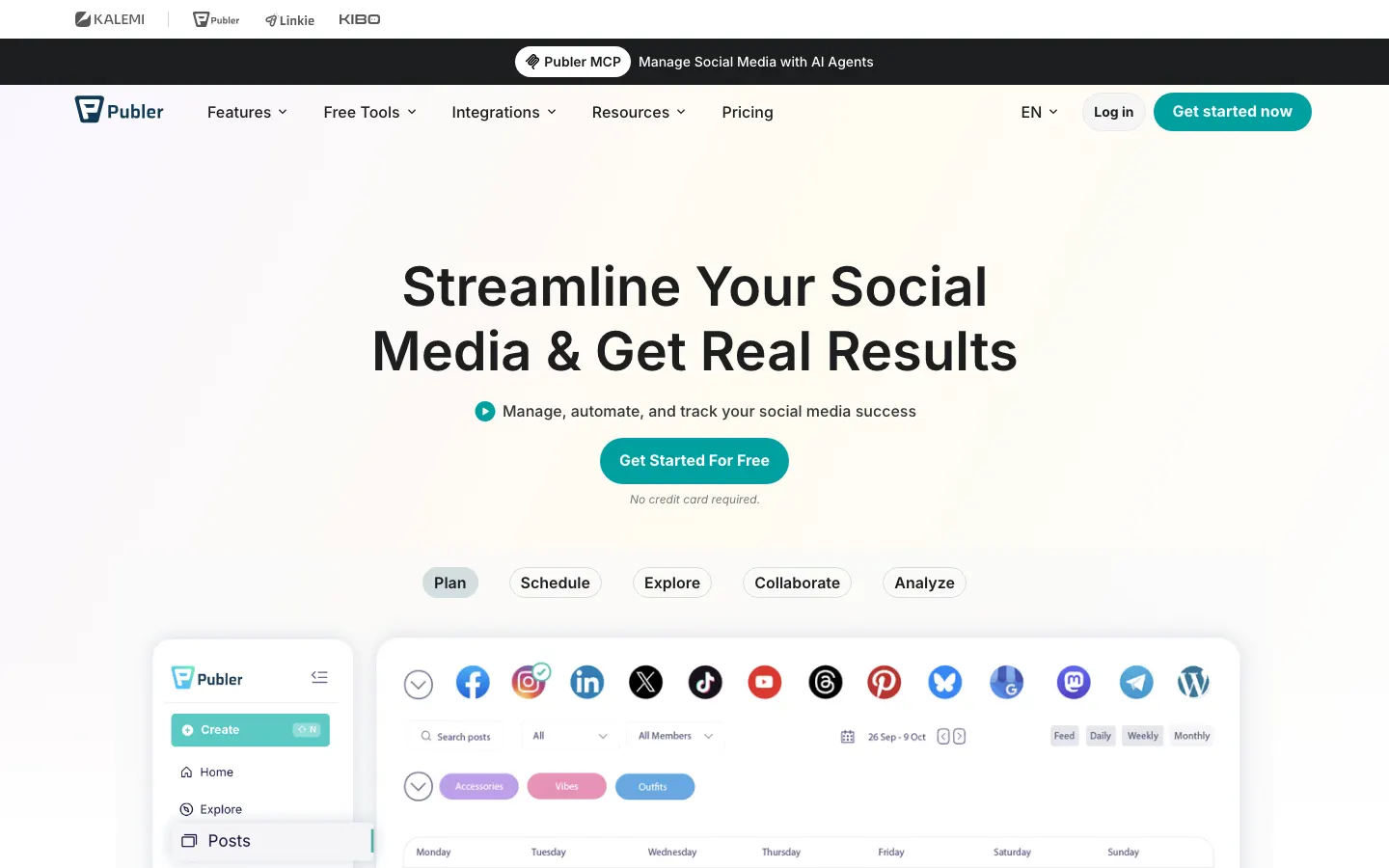
Price: about $21 a month for five accounts on Professional. Watch for: unlimited AI and full analytics are on the Business plan, from $10 an account.
7. SocialBee: best for recycling evergreen content
SocialBee sorts posts into categories and cycles through them, so a library of evergreen posts keeps a feed busy. AI captions and images are unlimited on every plan.
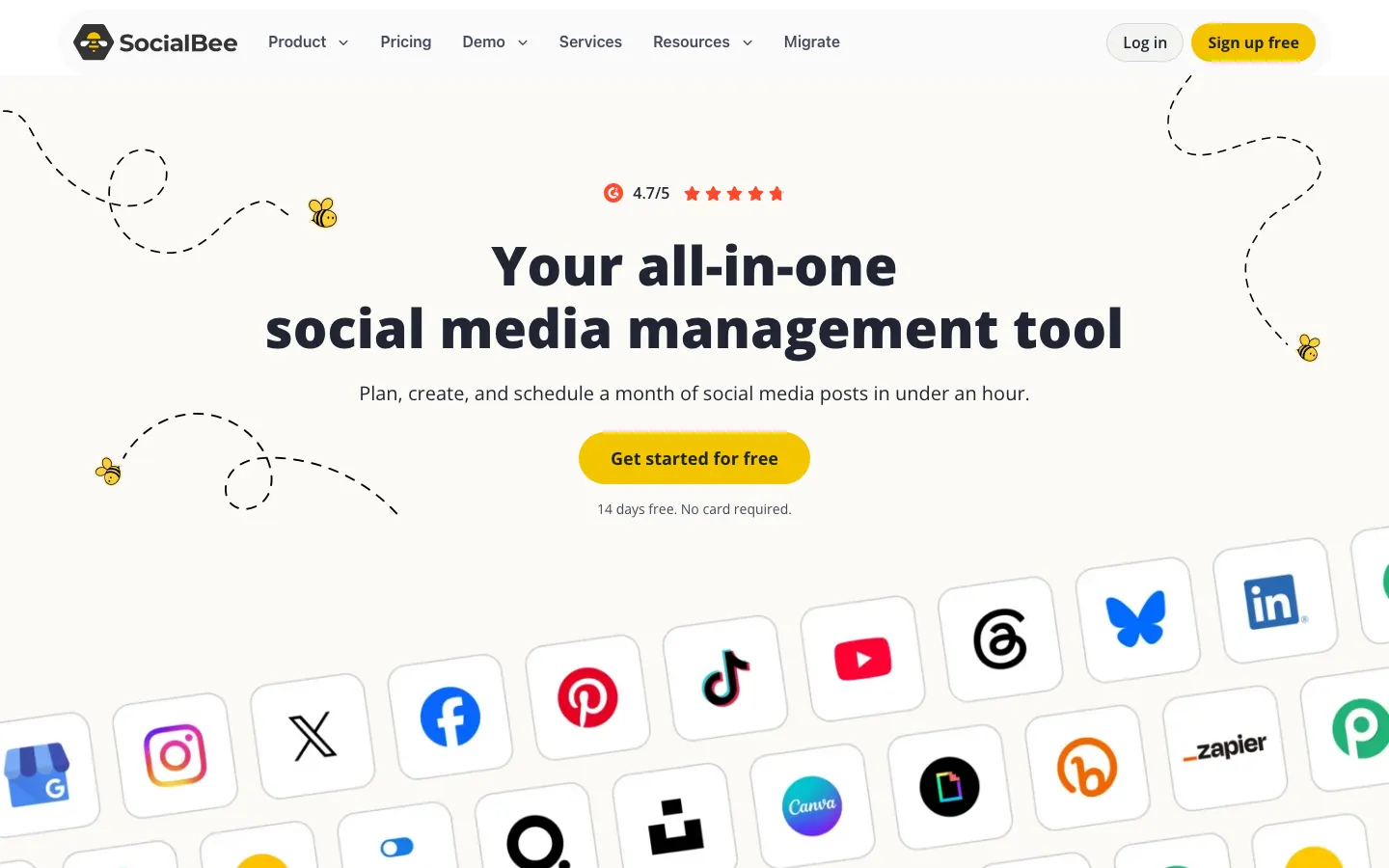
Price: Bootstrap is $29 a month ($24 yearly) for 5 profiles and one user. Watch for: more than one user means the $99 Pro plan.
8. Metricool: best for analytics on a budget
Metricool started as an analytics tool and still leads with it: competitor tracking, reports and ad stats sit alongside a capable planner. Its free plan covers one brand and 20 posts a month.
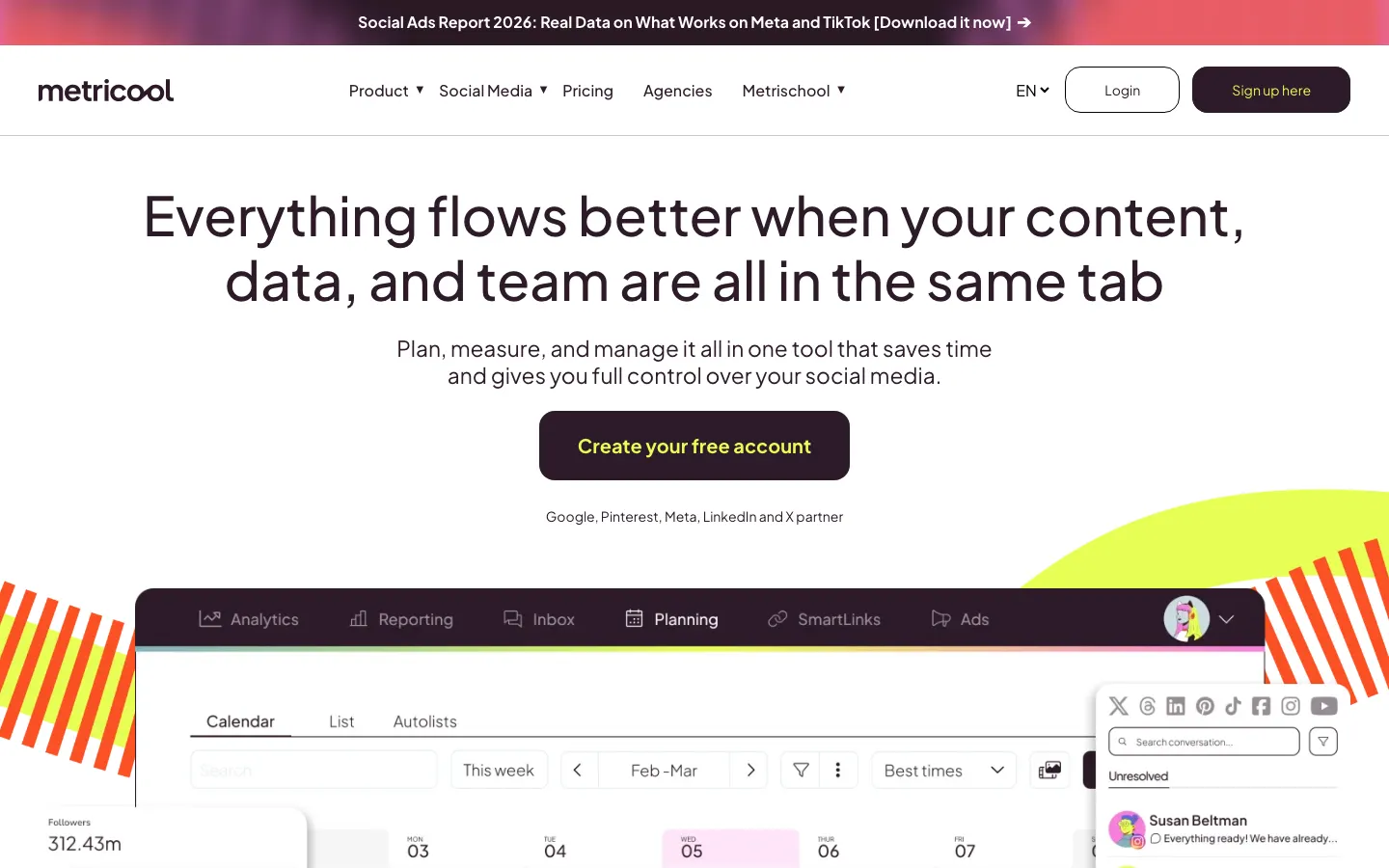
Price: Starter is from $25 a month ($20 yearly). Watch for: X is a $10 a month add-on per account, and LinkedIn is paid plans only.
9. Planable: best for client approvals
Planable is built around review: clients and teammates see posts as they'll appear and approve or comment on them, with unlimited users on every plan.
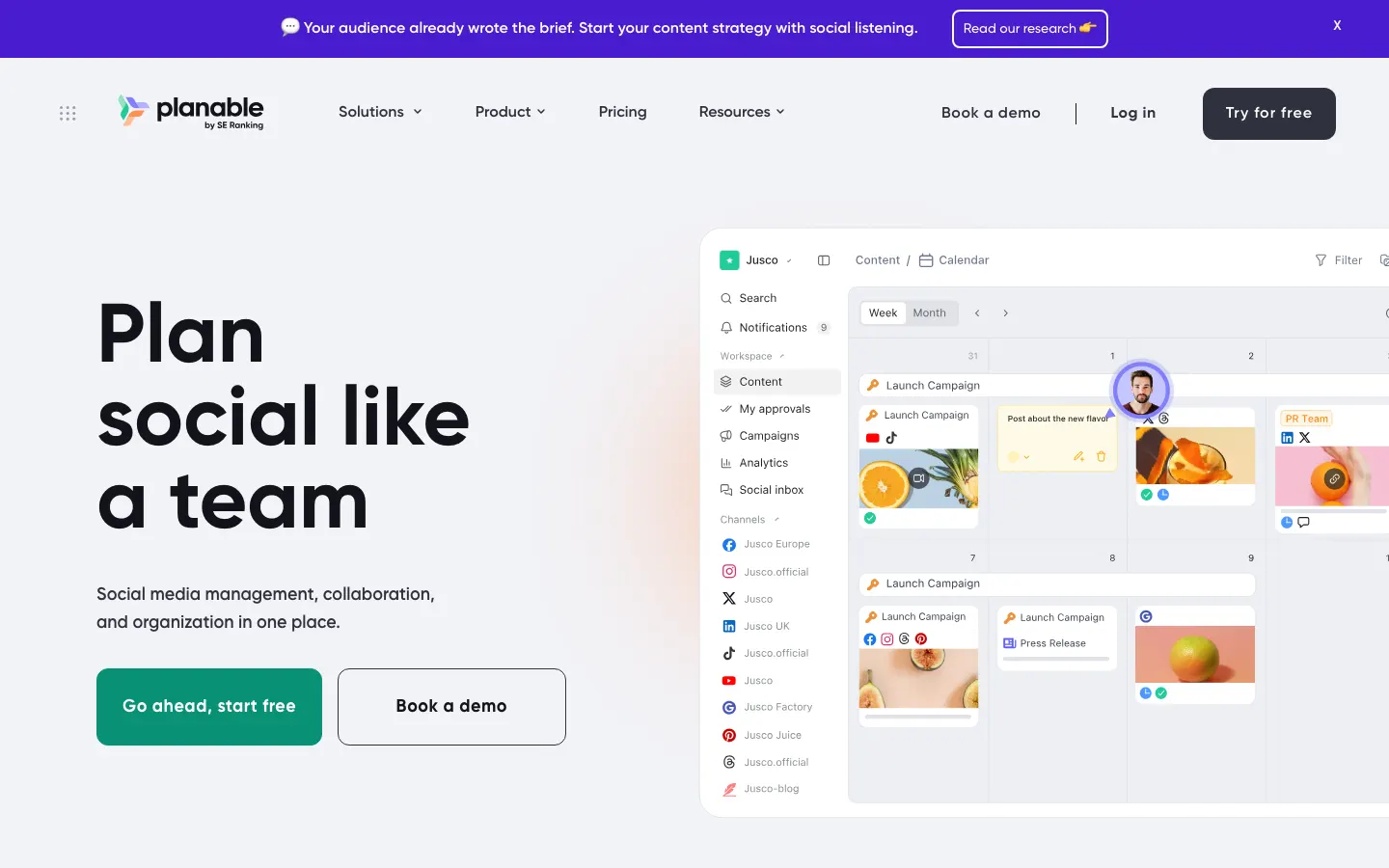
Price: Basic is $33 a workspace for 4 pages, so five channels needs Pro at $49. Watch for: monthly post caps (60 on Basic, 150 on Pro).
10. Agorapulse: best social inbox
Agorapulse's inbox is its strength: comments, messages and mentions from every network in one queue, with ROI reporting on top. It retired its free plan in July 2026.
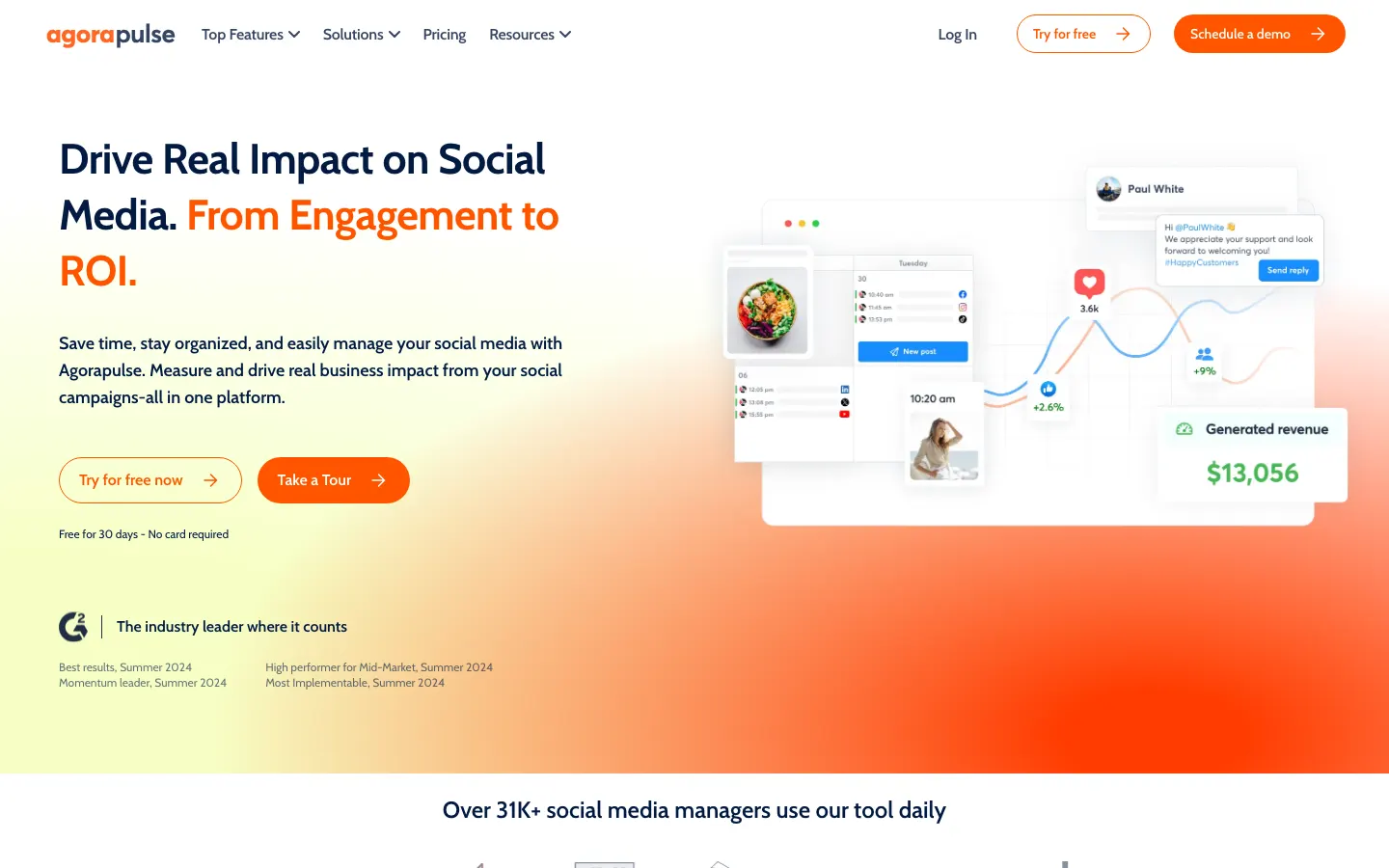
Price: Standard is $99 a user a month ($79 yearly) with 10 profiles; a 30-day trial. Watch for: per-user pricing, like Hootsuite and Sprout.
11. Sendible: best for agencies on a mid budget
Sendible gives every plan unlimited users and organizes clients into workspaces, which makes it good value for small agencies.
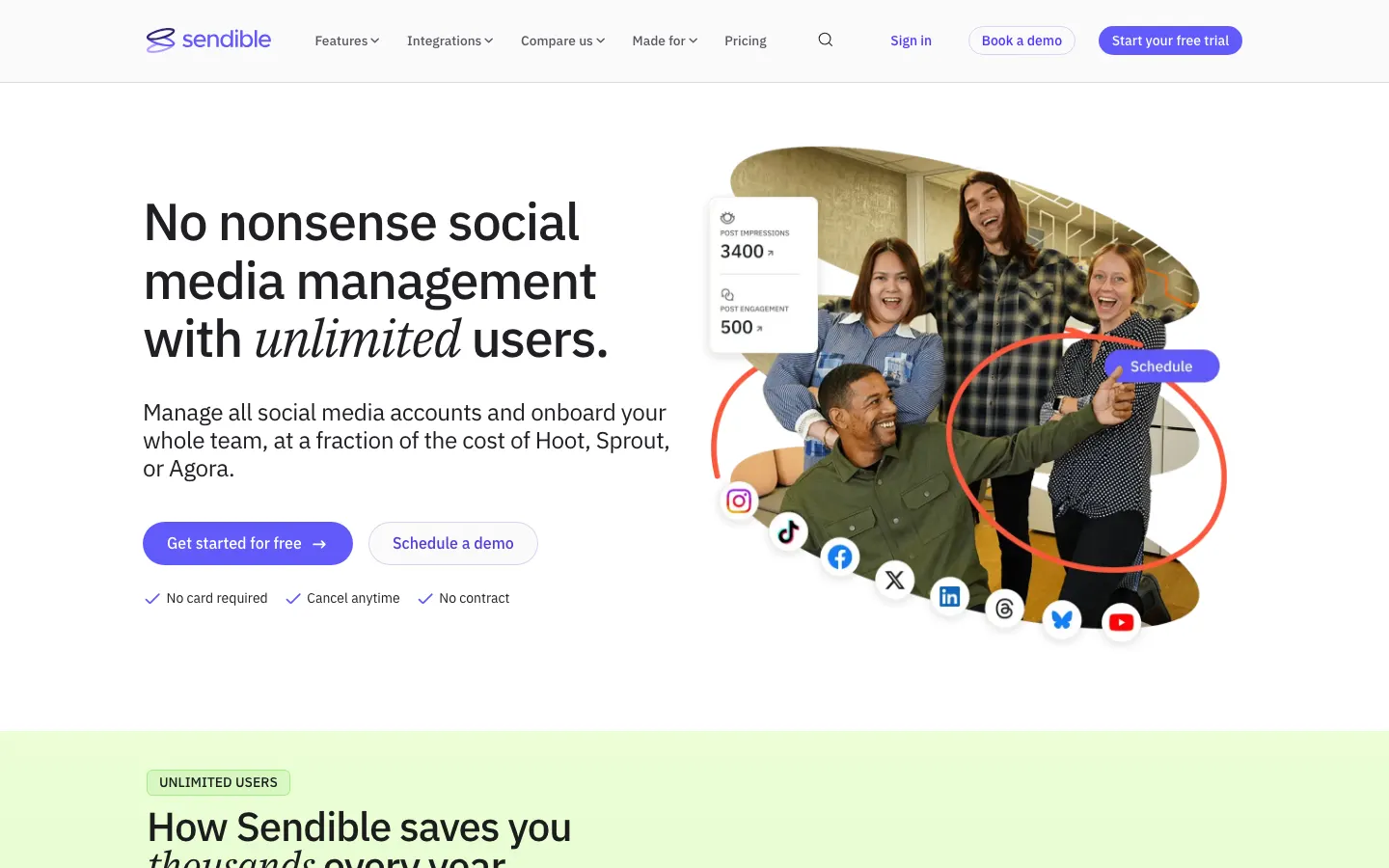
Price: Core is $35 a month ($29.75 yearly) for 6 profiles. Watch for: Core has one workspace; more clients means the $99 Plus plan.
Why the pricing model matters more than the price
Two tools at the same starting price can cost very different amounts a year later. There are four models, and each grows with a different thing:
- Per channel (Buffer, Publer): cheap to start, grows with every account. Best when you'll stay on a few networks.
- Per user (Hootsuite, Sprout Social, Agorapulse): accounts are generous, people are expensive. Fine for one person, costly for a team.
- Bundled (Postpane, SocialBee, Sendible): a set number of channels or profiles per plan. Predictable until you outgrow the tier.
- Per network set or brand (Later, Metricool): one account per network. Great for one brand across networks, awkward for two accounts on one network.
Price it out for where you'll be in a year, not where you are today: the accounts you plan to add and the people you plan to bring in.
What every good scheduler should do
- A calendar you can rearrange. Seeing the week across networks, and dragging a post to another day, is the core of the job. See what a content calendar is.
- A caption per network. The same text everywhere underperforms; LinkedIn and TikTok readers want different things.
- Checks before publishing. Image sizes, caption lengths and required fields differ by network. A good tool catches a problem before it fails at 9am.
- First comment and replies. Posting a first comment, and answering comments without opening five apps.
- Analytics per account. Enough to see what worked, without a separate tool.
- Clear failure messages. When a network rejects a post, you should know why and what to do next.
How AI is changing scheduling
Nearly every tool here now has an AI caption writer. That's useful but small: the caption is rarely the slow part. The bigger shift is AI that produces the post itself, meaning the image or carousel, in your brand's colors and fonts, so scheduling stops waiting on design. When you compare AI features, ask three things: does it make the visual or only the text, does it know your brand, and does it make up numbers you didn't give it.
How to choose
- List your networks. If you need X or YouTube, rule out the tools that don't publish there.
- Count accounts and people, now and in a year. Then price each finalist on those numbers, not the headline price.
- Decide where your time goes. If you spend more time making posts than scheduling them, a tool that helps with design saves more than a cheaper scheduler.
- Use the free plan or trial for a real week. Schedule a week of actual posts. How it feels on day five tells you more than any comparison.
Comparing a specific tool? We have side-by-side pages for Buffer, Post Bridge and ContentStudio, and our pricing lists exactly what each plan includes.
Frequently asked questions
What is the best social media scheduling tool?
For most small teams, Postpane: it designs on-brand posts with AI and schedules them to Instagram, Facebook, LinkedIn and TikTok from one calendar, with 5 channels for $19 a month and a free plan. If you need X or YouTube, Buffer covers the most networks; Publer is the cheapest per account; Hootsuite and Sprout Social suit large teams; and Later suits visual brands.
What is the cheapest social media scheduler?
For five accounts and one person, Publer (about $21/mo) and Buffer ($25/mo) are among the cheapest, with Postpane at $19/mo, or $15/mo billed yearly. For one or two accounts, the free plans of Buffer, Publer, Metricool and Postpane may be all you need.
Is there a free social media scheduling tool?
Yes. Buffer's free plan covers 3 channels, Publer's 3 accounts, Metricool's 1 brand with 20 posts a month, and Postpane's 1 channel with 30 posts a month. Hootsuite, Sprout Social, SocialBee, Agorapulse and Sendible have trials instead.
Is Buffer or Hootsuite better?
Buffer is better for individuals and small teams: simpler, cheaper ($5 a channel) and with a free plan. Hootsuite is better for larger teams that need a shared inbox, listening and approvals, at $99 a user a month billed yearly.
What's the difference between a scheduler and a social media management tool?
A scheduler plans and publishes posts. A management suite adds a shared inbox for comments and messages, listening, approvals and reporting. Many tools now sit in between, scheduling plus replies and analytics, which is enough for most small teams.
Do social media schedulers hurt reach?
No. The networks' official publishing APIs, which these tools use, post the same way the apps do. What affects reach is the post itself and when it goes out.