
The Facebook scheduler for your Pages
Postpane is a Facebook scheduler for the Pages you manage: plan posts on a calendar, publish photos, multi-image posts and video at the time you pick, and reply to the comments they get.
- 10 images
- in one post, or a video.
- First comment
- added the moment the post goes live.
- Replies
- to comments on your posts, on every plan.
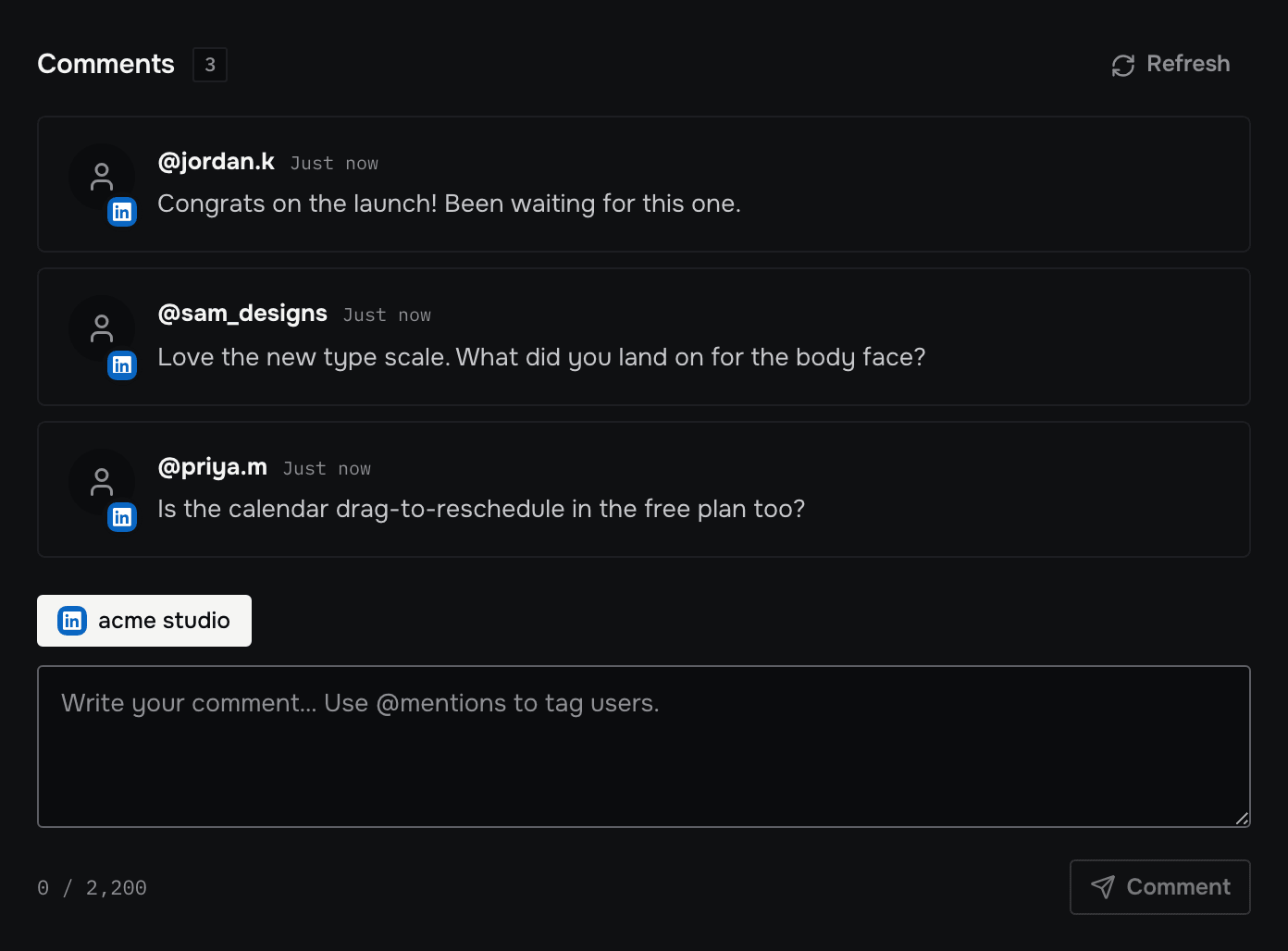
Running a Facebook Page usually means running other channels too. Postpane puts the Page on the same calendar as the rest, publishes each post on time, and brings the comments back to one place to answer.
Write a post once and give Facebook its own caption where it needs one. Postpane checks each version against its network's rules before anything is scheduled.
Schedule a Facebook post in four steps
Connect your Page
Sign in to Facebook from Postpane and pick the Page you manage.
Add photos, video or a designed post
Up to 10 images in one post. Portrait 4:5 at 1,440 × 1,800 takes the most room in the feed. The AI can design the image in your brand.
Write the post and first comment
Lead with the point: roughly the first 477 characters show before "See more".
Pick a time on the calendar
Schedule it, or post it now. Every post sits on one calendar beside your other channels; drag it to another day to reschedule.
For one Page or many
Each Page is a channel. Creator covers 5 and Pro 15, with 5 people and roles. Workspaces keep each client's or brand's Pages, posts and brand kit apart.
Bring in what you've posted before
Import your Page's recent posts, with their likes, comments and shares, to see what worked before you started scheduling here.
Everything Postpane does on Facebook
What works on Facebook today, from publishing to replies and imports.
- Plans: Every plan, the free one too
- Publish images
- Publish video
- Images in one post: Up to 10
- Caption length Postpane checks: 63,206 characters
- Its own caption and media
- First comment
- Reply to comments
- Post analytics
- Import past posts
- AI post design
What it costs to schedule Facebook posts
Every plan publishes to Facebook, the free one included. Plans differ in how many channels and posts a month they cover, not in which networks you can use.
- Free: 1 channel, 30 posts a month, no card.
- Creator: 5 channels, 300 posts a month, $15/mo billed yearly ($19 monthly).
- Pro: 15 channels, 1,000 posts a month and 5 people, $31/mo billed yearly ($39 monthly).
Facebook scheduler: FAQ
Can I schedule posts to a Facebook Page?
Yes. Connect a Page you manage, and Postpane publishes to it at the time you pick. Personal profiles can't be connected for publishing.
How long can a Facebook post be?
Facebook doesn't publish a current limit. Postpane allows up to 63,206 characters, the figure Facebook gave in 2011. The feed shows roughly the first 477 before "See more".
Can I schedule a post with several photos?
Yes, up to 10 images in one post, or a video.
Can I reply to Facebook comments in Postpane?
Yes. Comments on your published posts come into Postpane, and you can reply there, on every plan.
Can I manage several Facebook Pages?
Yes. Each Page is a channel: Creator covers 5 channels, Pro 15 and Agency 40, and workspaces keep each client's Pages apart.
Is the Facebook scheduler free?
Yes. The free plan connects one channel, a Facebook Page included, and publishes up to 30 posts a month. No card needed.
- Facebook image sizesPosts, cover photos and link previews.↗
- Instagram schedulerAuto-publish posts, carousels and video.↗
- TikTok schedulerVideos and photo posts, privacy set per post.↗
- LinkedIn schedulerProfiles and company pages, first comments included.↗
- Video schedulingOne upload, every network, a caption each.↗
- X schedulerPosts with images, video and first comments, on paid plans.↗
- Caption length checkerSee where each network cuts your caption off.↗
- The best social media scheduling toolsSchedulers compared on price, networks and AI.↗
- PricingPlans, channels and credits.↗