
A brand kit that every post uses
A Postpane brand kit holds your colours, fonts, logo (with versions for dark and light backgrounds) and voice, and every AI design, template and caption uses it. Make one from your website in a minute.
- From your site
- colours, fonts and logos read from your website.
- Logo versions
- for dark and light backgrounds, picked automatically.
- 30 kits
- on Agency, 10 on Pro, 5 on Creator, 1 free.
Brand guidelines live in a PDF nobody opens while making a post. A brand kit puts them where the posts are made, so designs come out on brand without anyone checking.
Give Postpane your website and it reads your colours, fonts and logos. No logo yet? It suggests one from your name, font and colours.
Set up a brand kit
Start from your website
Postpane reads your colours, fonts and logos, and the words that describe your brand.
Check and adjust
Change colours, pick fonts from the library, add logo versions and describe your voice.
Make posts in it
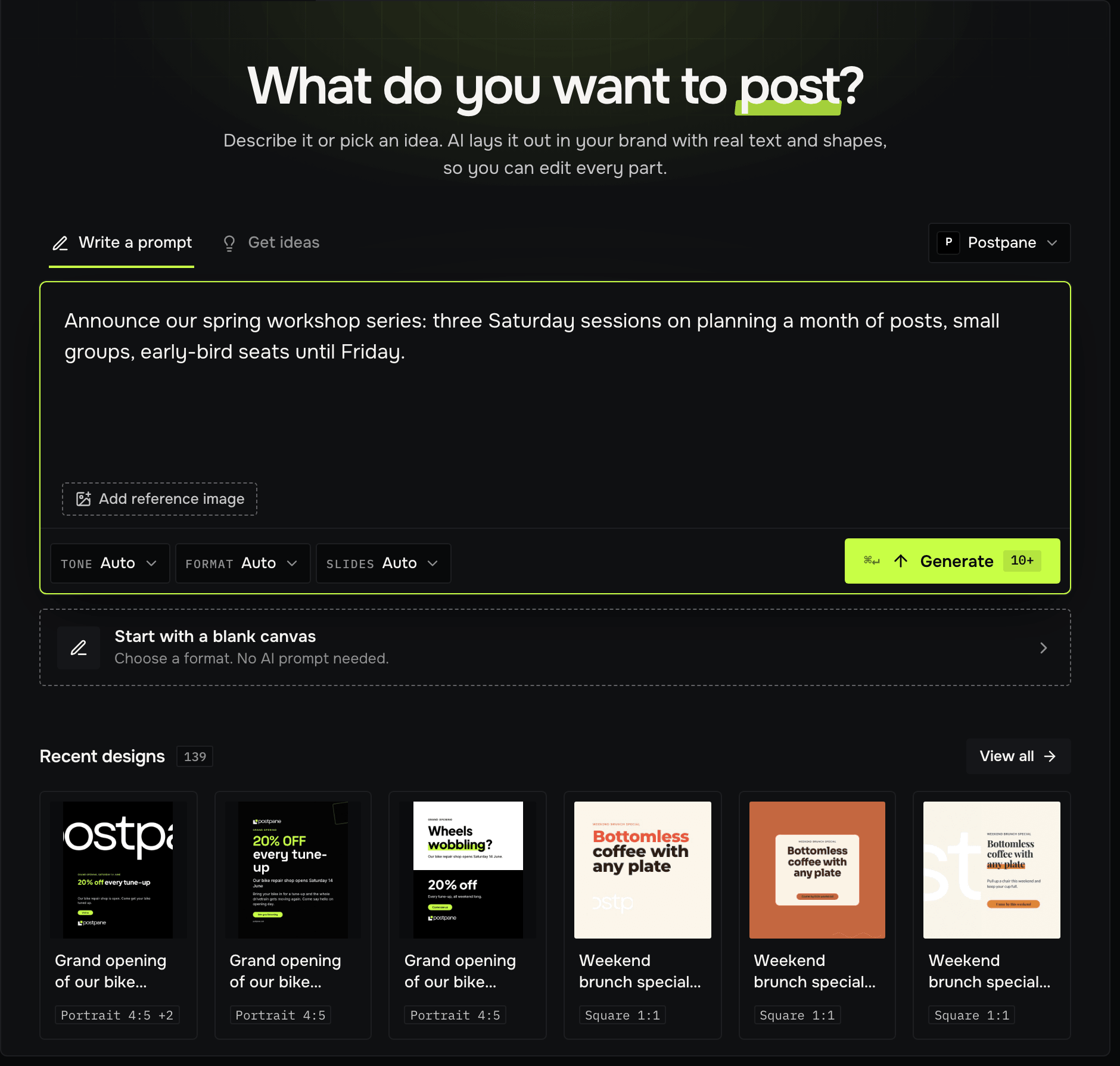
AI designs, templates, blank designs and captions all use the kit.
One kit per brand or client
Brand kits per plan: 1 on Free, 5 on Creator, 10 on Pro and 30 on Agency. Each workspace has a default kit, and a design keeps its own copy of its kit, so changing a kit never alters a published post. Apply brand kit brings a design up to date in one step.
Brand kits: FAQ
Can Postpane make a brand kit from my website?
Yes. It reads your site's colours, fonts and logos and fills a kit you can then adjust.
What if I don't have a logo?
Postpane suggests one from your brand name, heading font and colours, with versions for light and dark backgrounds.
How many brand kits do I get?
1 on Free, 5 on Creator, 10 on Pro and 30 on Agency.
- AI post designDescribe a post; get finished designs in your brand.↗
- Teams and workspacesWorkspaces, roles and custom roles for teams and clients.↗
- TemplatesHand-made layouts, filled in for you.↗
- Design editorA full editor for posts and carousels.↗
- AI captions and ideasCaptions and post ideas in your brand's voice.↗
- Curated for youPosts drawn for your workspace, captions included.↗