
Import past social media posts with their numbers
Postpane can import past social media posts from each connected network, with their likes, comments and shares, so you can see what worked before you switched: 30 on Free, 100 on Creator, 250 on Pro and 250 on Agency per channel.
- 250 posts
- per channel on Pro, 100 on Creator, 30 free.
- Their numbers
- come with them: likes, comments and shares.
- No export
- needed from your old scheduler.
Switching schedulers usually means starting from zero: a blank history and no idea which posts worked. Postpane reads your recent posts from the network itself instead.
They show on the channel's page with their numbers, and Postpane uses them when it suggests post ideas and curated posts for your brand.
Bring your history across
Connect the channel
Sign in to the network from Postpane.
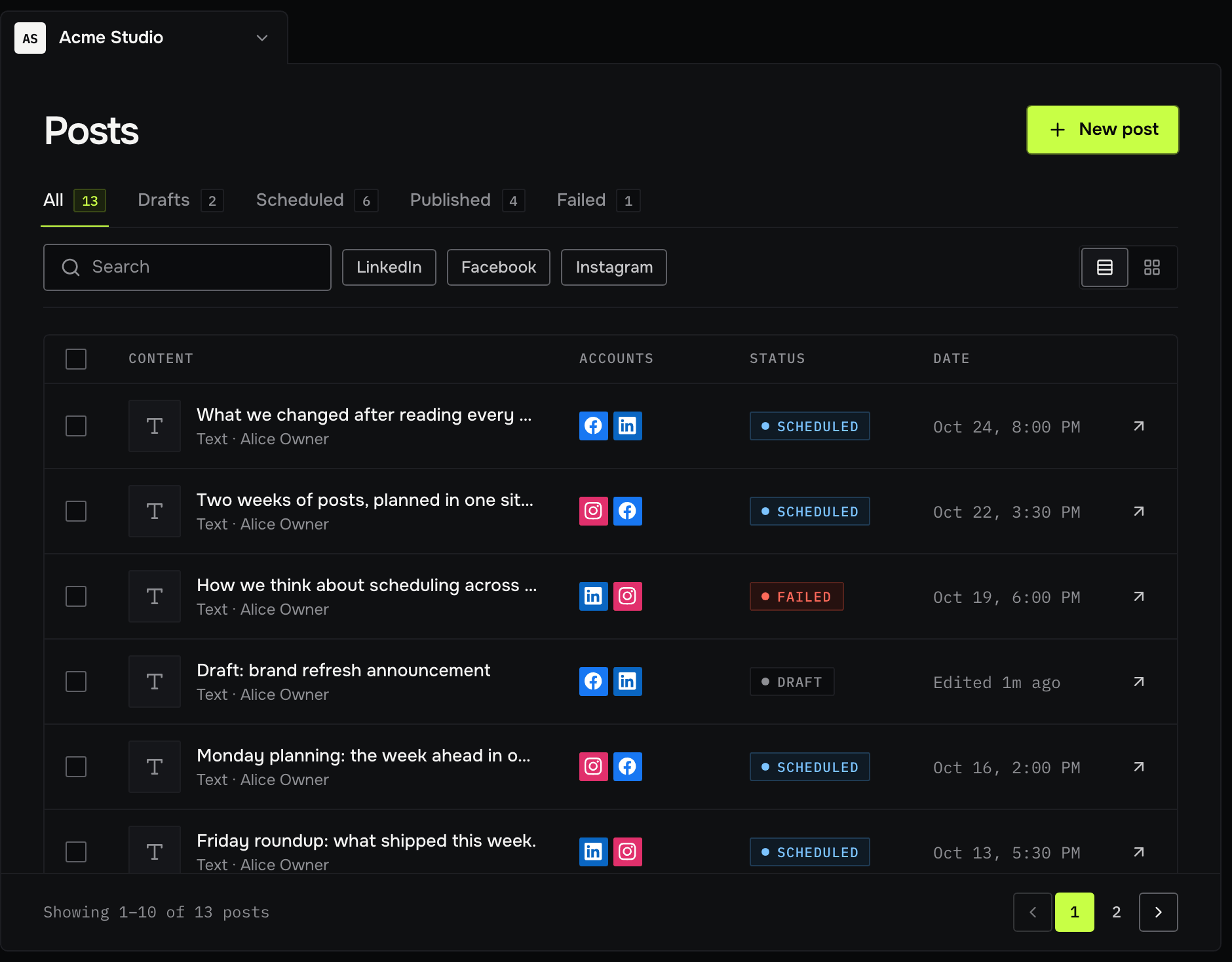
Import from the channel's page
Postpane reads your most recent posts, up to your plan's allowance.
See what worked
Each imported post shows its likes, comments and shares.
Which networks, and how many
Imports work for Instagram, Facebook and TikTok. LinkedIn and X don't offer them to Postpane yet.
Allowance per channel: 30 on Free, 100 on Creator, 250 on Pro and 250 on Agency.
Import past posts: FAQ
Can I import posts from Buffer or Hootsuite?
Postpane imports from the networks themselves, not from other schedulers, so it works whichever tool you used. Posts still scheduled in another tool need copying across by hand.
How many posts can I import?
30 on Free, 100 on Creator, 250 on Pro and 250 on Agency, per channel.
Do imported posts keep their numbers?
Yes: likes, comments and shares, as the network reports them.
Which networks can I import from?
Instagram, Facebook and TikTok. LinkedIn and X can't be imported yet.