
An AI caption generator in your brand's voice
Postpane's AI caption generator writes a caption from your notes, or reworks one you wrote, in your brand's voice, and suggests post ideas from what your account already posts. It never adds a figure you didn't give it.
- 8 ways
- to rework a caption: shorter, friendlier, edgier and more.
- 4 ideas
- a batch, each with a hook, an angle and a format.
- No invented figures
- a sentence with a made-up number is dropped.
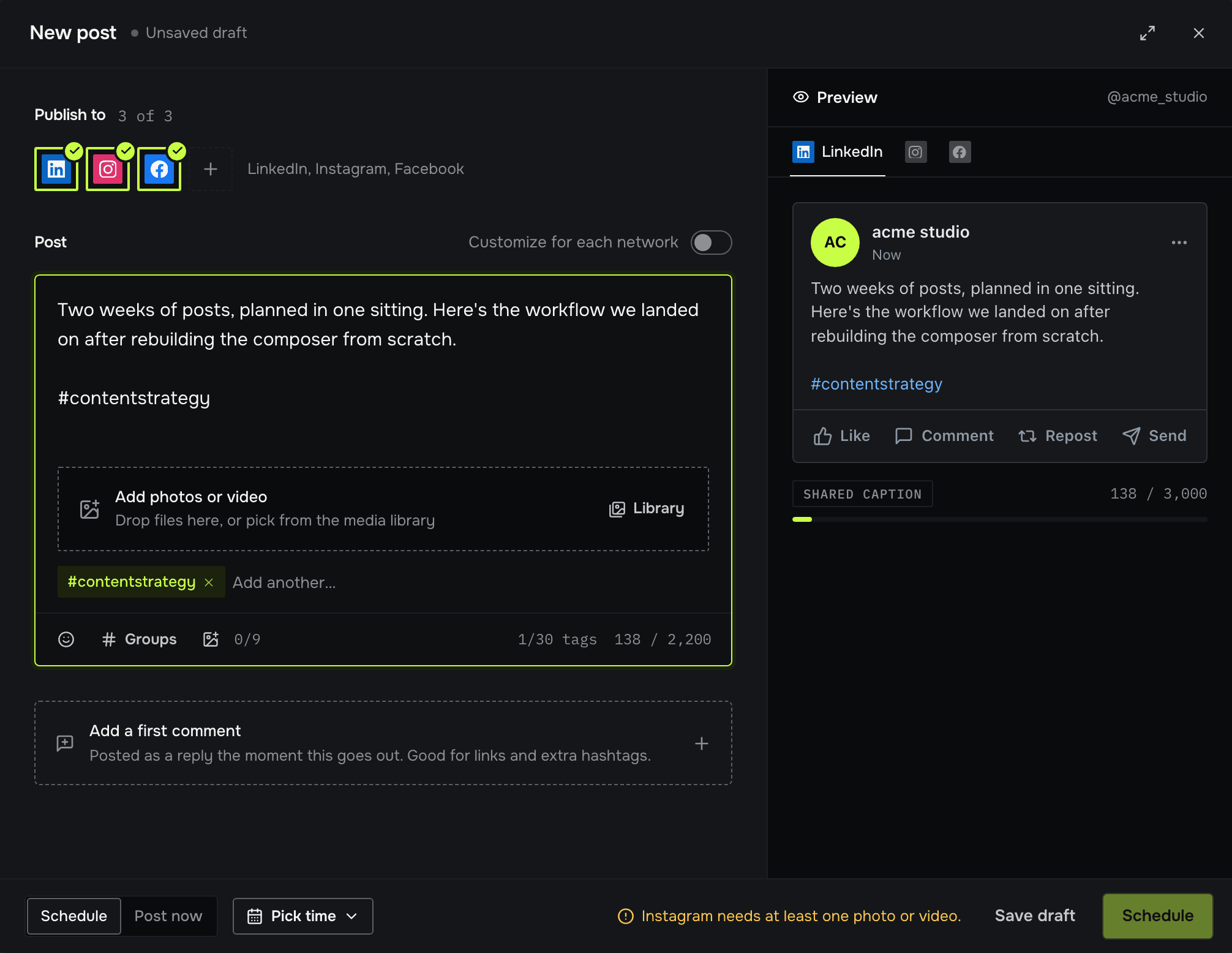
Writing the caption is often the last ten minutes nobody has. The caption assistant sits in the composer: write a line of notes, or paste a draft, and pick what you want done to it.
When you don't know what to post, Get ideas suggests four at a time from your brand and your recent captions, and learns from the ones you vote up.
From notes to caption
Start from what you have
A line of notes or a full draft in the caption box.
Pick what to do
Write, rephrase, expand, shorten, simplify, friendlier, more formal, edgier or more engaging.
Replace or copy
Replace the caption with the result (and undo it), or copy it.
Post ideas for your brand
Each idea has a category, a hook, an angle, a format and a tone, built from your brand and your last captions. Vote ideas up or down to steer the next batch, save the good ones, or remix one: shorter, bolder or more playful. Use idea puts it in the prompt for an AI design.
AI captions and ideas: FAQ
Is the AI caption generator free?
It runs on the monthly credits every plan includes, the free one too.
Does it write in my brand's voice?
Yes, the voice in your default brand kit.
Can it make up statistics?
No. Any sentence with a figure your draft doesn't have is dropped from the result.
- ComposerOne post, a caption and media for each network.↗
- AI post designDescribe a post; get finished designs in your brand.↗
- Social Media Hook Examples: 60 Openers by TypeSocial media hook examples you can adapt: 60 opening lines in 10 types, from numbers to confessions, plus where each network cuts your caption off.↗
- Design editorA full editor for posts and carousels.↗
- TemplatesHand-made layouts, filled in for you.↗
- Brand kitsYour colours, fonts, logo and voice, in every post.↗