
A social media design editor that publishes too
Postpane's social media design editor makes posts and carousels in six shapes, with blocks, icons, stock photos, effects and ready-made looks from your brand, and sends the finished design straight to the scheduler.
- 6 shapes
- square, portrait, landscape, wide, vertical and Pin.
- Carousels
- of up to 20 pages on Pro, in one design.
- No export step
- Publish sends the design to the composer.
A design tool and a scheduler are usually two apps and a download folder between them. Postpane's editor and calendar are the same place.
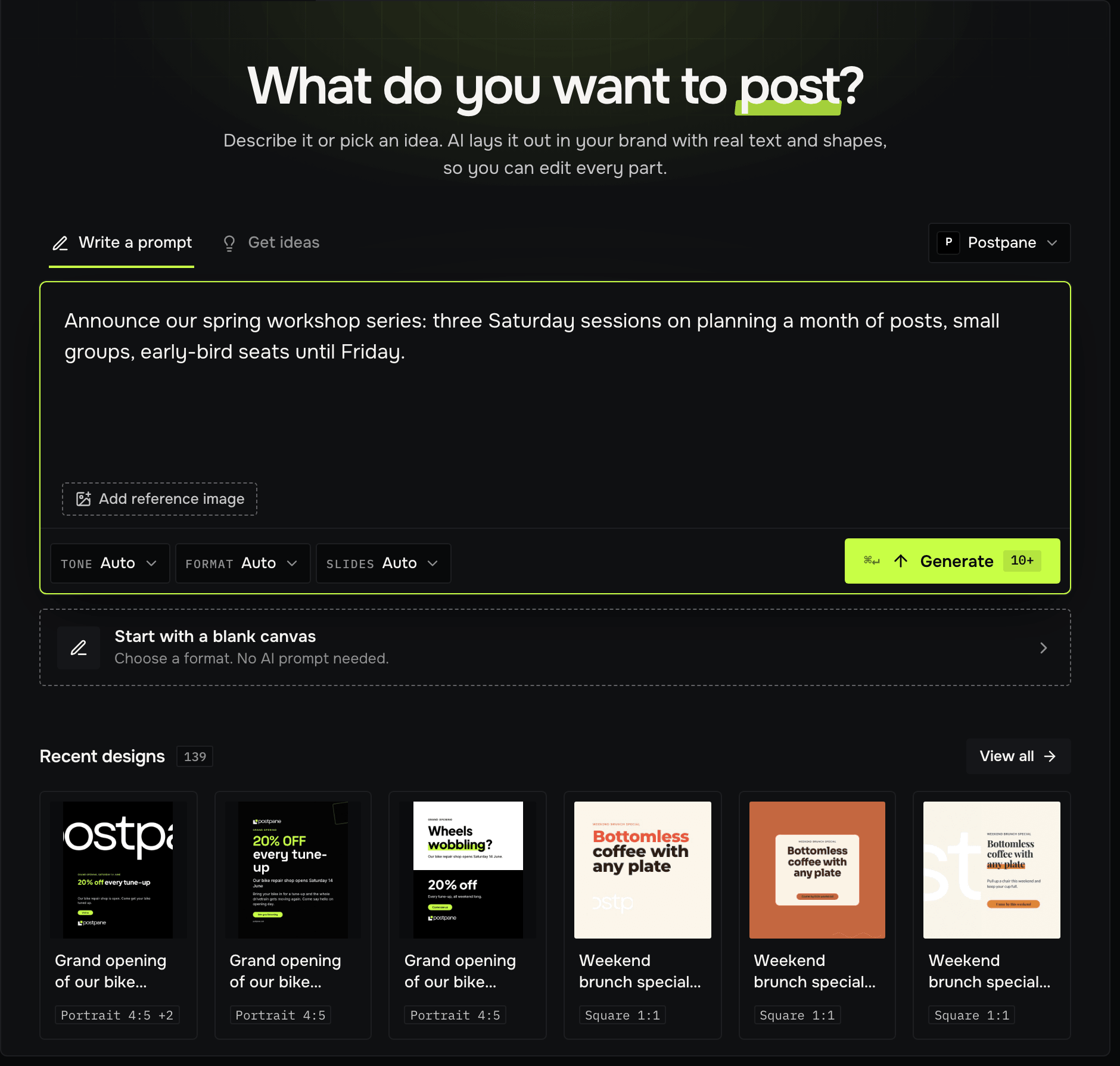
Start from a blank page, a template or an AI design. Everything is editable: text, photos, shapes and every page of a carousel.
Design, then publish
Pick a shape
Square is the default, and every network takes it. Add other shapes to the same design when you need them.
Build it
Add blocks, text, icons, decor and stock photos. Group, layer, crop, mask and add effects.
Style it
Apply a look made from your brand, or fine-tune the background, fonts and colours.
Publish
Publish draws every page as an image and opens the composer with them attached.
What's in the editor
Tools for social posts, not print.
- Blocks for lists, stats, quotes, testimonials, products and more
- Line icons, decor shapes and background patterns
- Stock photos, and your own media library
- Shadows, glows, outlines, gradients, masks and photo filters
- QR codes, countdowns and star ratings
- Copy and paste between designs, groups and keyboard shortcuts
Every shape, every page
A carousel is a design's pages: add, copy, reorder or delete them in the strip under the canvas. Add another shape as a scaled copy, or with Smart format, which lays the design out again for it.
Download pages as images, several at once as a ZIP.
Design editor: FAQ
Is the design editor free?
Yes, on every plan. Carousels go up to 3 pages on Free, 10 on Creator and 20 on Pro.
Can I use it on my phone?
Yes. On a phone the panels open as a bottom sheet and a selection gets its own bar of controls.
Can I download my designs?
Yes. Export downloads each page as an image; several pages come as a ZIP.
- AI post designDescribe a post; get finished designs in your brand.↗
- TemplatesHand-made layouts, filled in for you.↗
- Brand kitsYour colours, fonts, logo and voice, in every post.↗
- Social media image sizesEvery network's sizes, with sources. Check how your image crops and download it resized.↗
- AI captions and ideasCaptions and post ideas in your brand's voice.↗
- Curated for youPosts drawn for your workspace, captions included.↗