
The TikTok scheduler for videos and photo posts
Postpane is a TikTok scheduler that publishes your videos and photo posts (up to 35 images) at the time you pick, with who-can-see-it set on every post, from the same calendar as your other channels.
- 35 photos
- in one TikTok photo post, swiped like a slideshow.
- Privacy
- set on every post, with a default for each account.
- One calendar
- for TikTok and every other channel you've connected.
Posting to TikTok by hand means stopping to do it every day. Postpane lets you plan a week of videos and photo posts in one sitting and publishes each one for you at its time.
Each post carries what TikTok asks for: who can see it, and for a photo post, an optional title. Postpane checks the caption and media against TikTok's limits before you schedule, so nothing fails at publish time.
Schedule a TikTok in four steps
Connect TikTok
Sign in to TikTok from Postpane and choose who can see your posts by default.
Add the video or photos
Upload a video, or up to 35 photos for a photo post. Vertical 9:16 at 1,080 × 1,920 fills the screen. The AI can design photo posts in your brand too.
Write the caption
Up to 2,200 characters for a video. A photo post can add a title of up to 90 characters.
Pick a time on the calendar
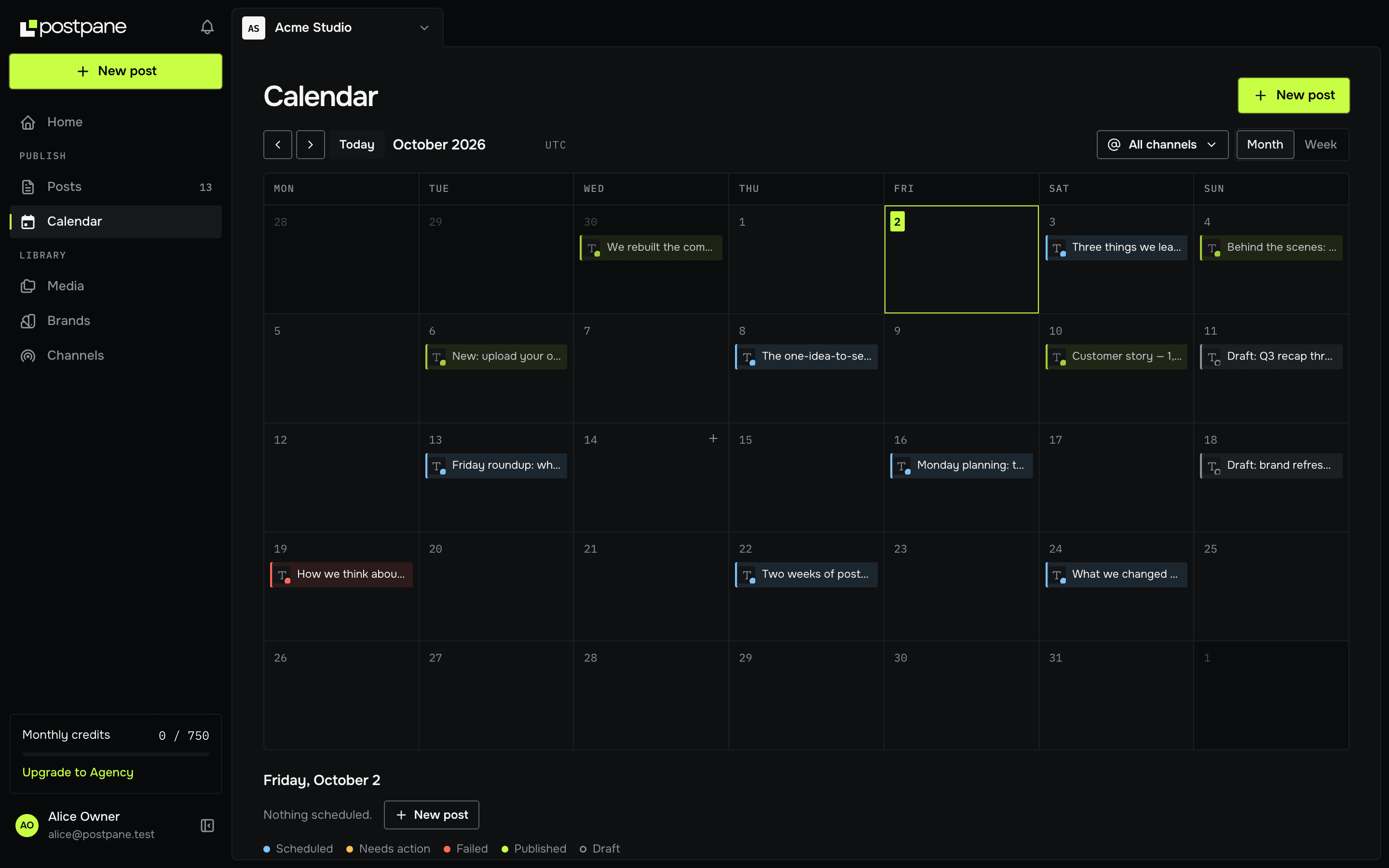
Schedule it, or post it now. Every post sits on one calendar beside your other channels; drag it to another day to reschedule.
What you can schedule to TikTok
Videos, and photo posts of up to 35 images. TikTok needs a video or photo on every post. Videos upload as MP4, MOV or WebM, up to 2 GB.
Photo posts suit designed slides: a list, a step-by-step or a before and after, one point per photo.
What Postpane doesn't do on TikTok
TikTok's publishing API has no comments, so you reply to TikTok comments in the app. First comments are skipped on TikTok for the same reason.
Everything Postpane does on TikTok
What works on TikTok today, from publishing to replies and imports.
- Plans: Every plan, the free one too
- Publish images
- Publish video
- Images in one post: Up to 35
- Caption length Postpane checks: 2,200 characters
- Its own caption and media
- First comment: not available
- Reply to comments: not available
- Post analytics
- Import past posts
- AI post design
What it costs to schedule TikTok posts
Every plan publishes to TikTok, the free one included. Plans differ in how many channels and posts a month they cover, not in which networks you can use.
- Free: 1 channel, 30 posts a month, no card.
- Creator: 5 channels, 300 posts a month, $15/mo billed yearly ($19 monthly).
- Pro: 15 channels, 1,000 posts a month and 5 people, $31/mo billed yearly ($39 monthly).
TikTok scheduler: FAQ
Can Postpane post to TikTok automatically?
Yes. Postpane publishes videos and photo posts directly to your TikTok account at the time you pick. You don't need to open the app to finish the post.
Can I schedule TikTok photo posts?
Yes, with up to 35 photos in one post, an optional title of up to 90 characters and a description of up to 4,000.
How long can a TikTok caption be?
2,200 characters for a video posted through TikTok's API, which is how scheduling tools post.
Can I choose who sees a scheduled TikTok?
Yes. Every TikTok post asks who can see it (Everyone, Friends or Only me), and you can set a default for each account.
Can I reply to TikTok comments in Postpane?
No. TikTok doesn't offer comments through the API that publishing tools use, so replies stay in the TikTok app. Comment replies work for the other networks Postpane publishes to.
Is the TikTok scheduler free?
Yes. The free plan connects one channel, TikTok included, and publishes up to 30 posts a month. No card needed.
- TikTok image sizeFrom TikTok's own developer docs.↗
- Carousel post examplesTen formats that suit photo posts too.↗
- Instagram schedulerAuto-publish posts, carousels and video.↗
- LinkedIn schedulerProfiles and company pages, first comments included.↗
- Facebook schedulerPages, multi-image posts and comment replies.↗
- Video schedulingOne upload, every network, a caption each.↗
- X schedulerPosts with images, video and first comments, on paid plans.↗
- Caption length checkerSee where each network cuts your caption off.↗
- The best social media scheduling toolsSchedulers compared on price, networks and AI.↗
- PricingPlans, channels and credits.↗