
Social media video scheduling, one upload for every channel
Postpane makes social media video scheduling one job: upload a video once, give each network its caption, and it publishes to Instagram, Facebook, LinkedIn and TikTok at the time you pick.
- 2 GB
- per video upload, as MP4, MOV or WebM.
- 4 networks
- from one upload, each with its own caption.
- One calendar
- for video, images and carousels together.
Posting the same video to several networks by hand means uploading it again in every app, each with its own caption box and its own settings. Postpane takes the upload once and sends it everywhere it should go.
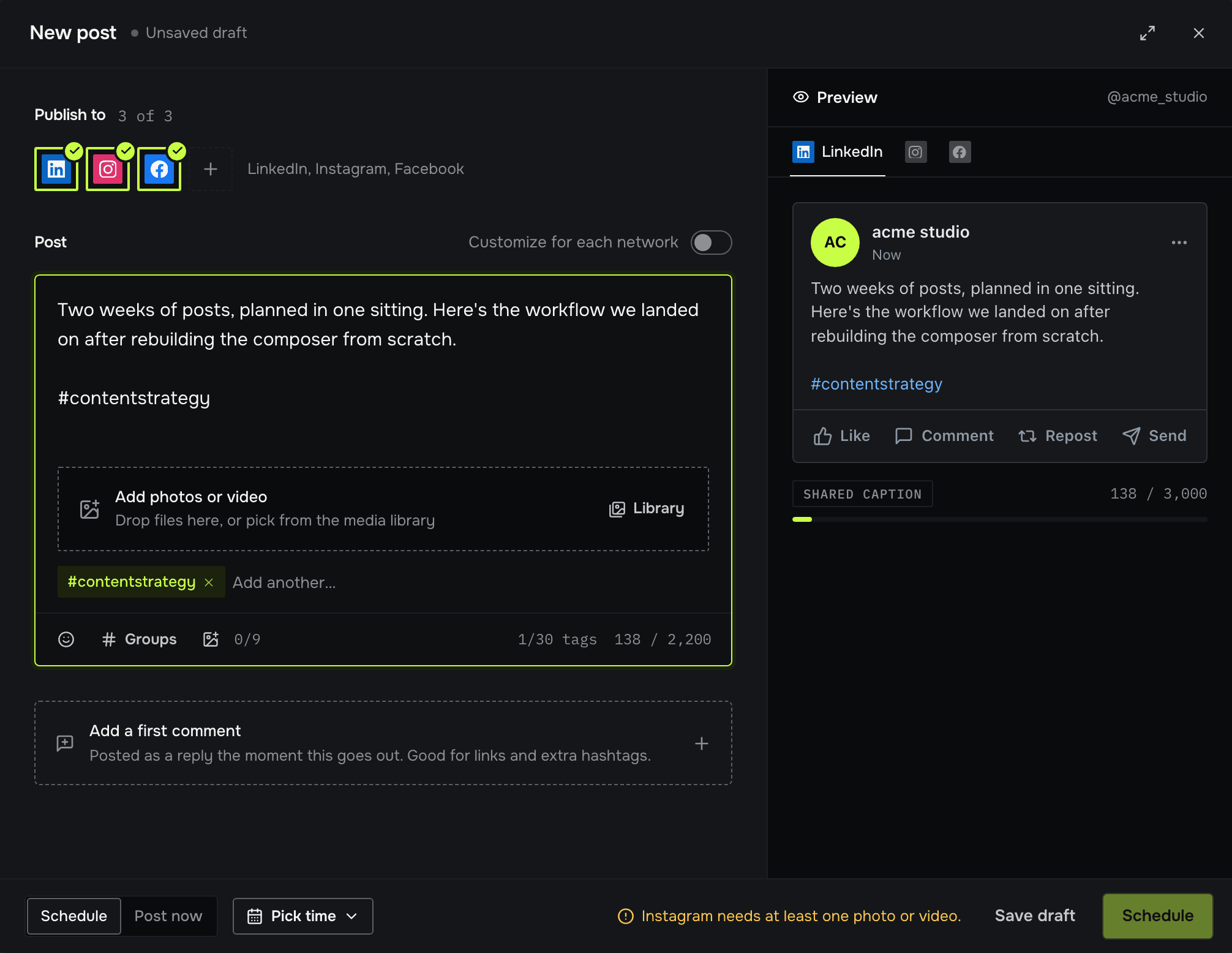
Each network gets the caption it needs, and its own cut of the video if it wants a different shape. Postpane checks every version against its network's rules before the post is scheduled.
Schedule a video to every channel
Upload the video
MP4, MOV or WebM, up to 2 GB. It's stored in your media library to reuse.
Pick the channels
Choose any of your connected accounts on Instagram, Facebook, LinkedIn or TikTok. Vertical 9:16 at 1,080 × 1,920 suits TikTok; add a different cut for a network that wants another shape.
Write a caption per network
Start from one caption and change it where a network needs a different tone or length. TikTok posts also ask who can see them.
Pick a time on the calendar
Schedule it, or post it now. Every post sits on one calendar beside your other channels; drag it to another day to reschedule.
Videos and everything else, on one calendar
Video posts sit beside your images and carousels, so you see the whole week at once and can drag anything to another day.
After a video is published, its numbers show beside it for each account, and comments come back to Postpane to answer (TikTok's comments stay in TikTok, which doesn't offer them to publishing tools).
What it costs to schedule video
Every plan publishes video, the free one included. Plans differ in how many channels and posts a month they cover, and in media library storage.
- Free: 1 channel, 30 posts a month, no card.
- Creator: 5 channels, 300 posts a month, $15/mo billed yearly ($19 monthly).
- Pro: 15 channels, 1,000 posts a month and 5 people, $31/mo billed yearly ($39 monthly).
Social media video scheduling: FAQ
Which networks can I schedule videos to?
Instagram, Facebook, LinkedIn and TikTok. Each takes video from the same upload, with its own caption if you want one.
What video files can I upload?
MP4, MOV or WebM, up to 2 GB each. Networks set their own limits on length and size, so check theirs for very long videos.
Can I post a different video to each network?
Yes. One post can carry a shared video and a network's own media, so a vertical cut goes to TikTok and a square one to LinkedIn, on the same post.
Can I schedule a TikTok video with privacy settings?
Yes. Every TikTok post asks who can see it (Everyone, Friends or Only me), with a default you set for each account.
How much video can I store?
The media library holds 1 GB on Free, 10 GB on Creator, 50 GB on Pro and 200 GB on Agency.
Is video scheduling free?
Yes. The free plan publishes video to one channel, up to 30 posts a month. No card needed.
- Instagram schedulerAuto-publish posts, carousels and video.↗
- TikTok schedulerVideos and photo posts, privacy set per post.↗
- LinkedIn schedulerProfiles and company pages, first comments included.↗
- Facebook schedulerPages, multi-image posts and comment replies.↗
- X schedulerPosts with images, video and first comments, on paid plans.↗
- Caption length checkerSee where each network cuts your caption off.↗
- The best social media scheduling toolsSchedulers compared on price, networks and AI.↗
- PricingPlans, channels and credits.↗